Dining table plans with strength checks
Set the size, wood and joints of your table, and Woodworker checks the top, aprons and legs for a full table and someone sitting on the edge, then lists everything to cut and buy.
Open the dining table designerFree · no sign-up · works in your browser
How the design works
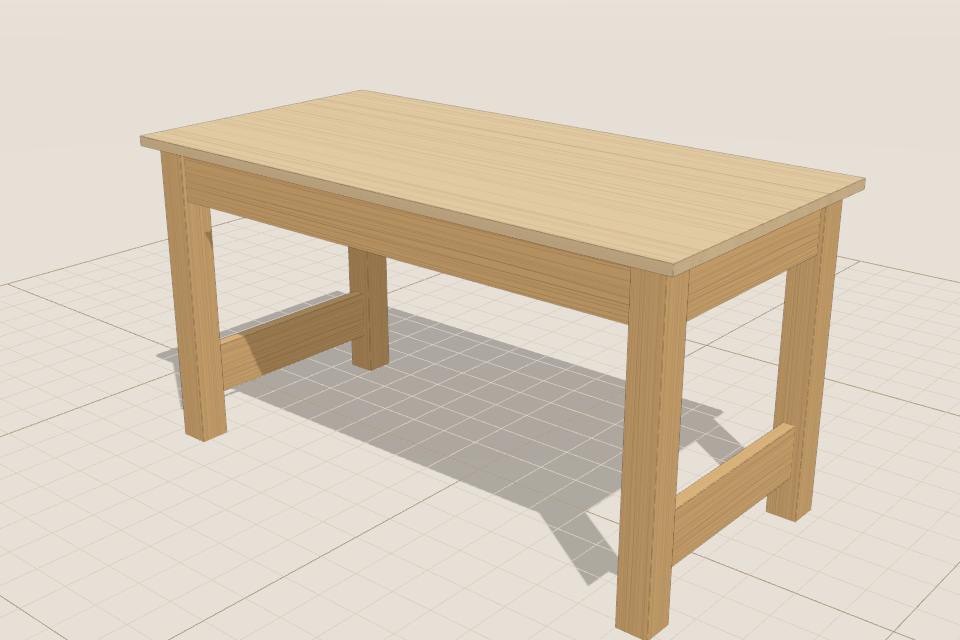
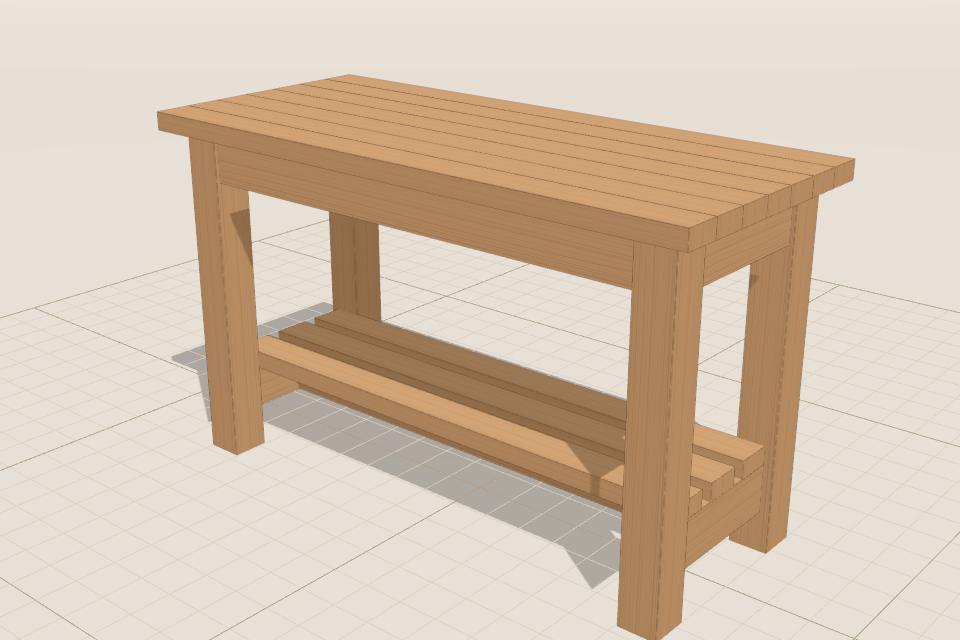
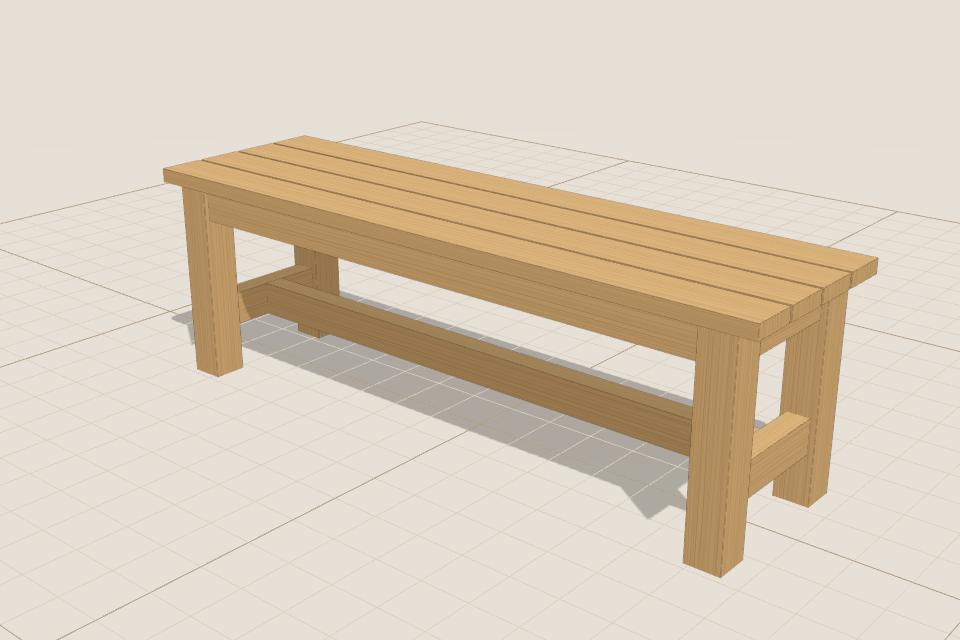
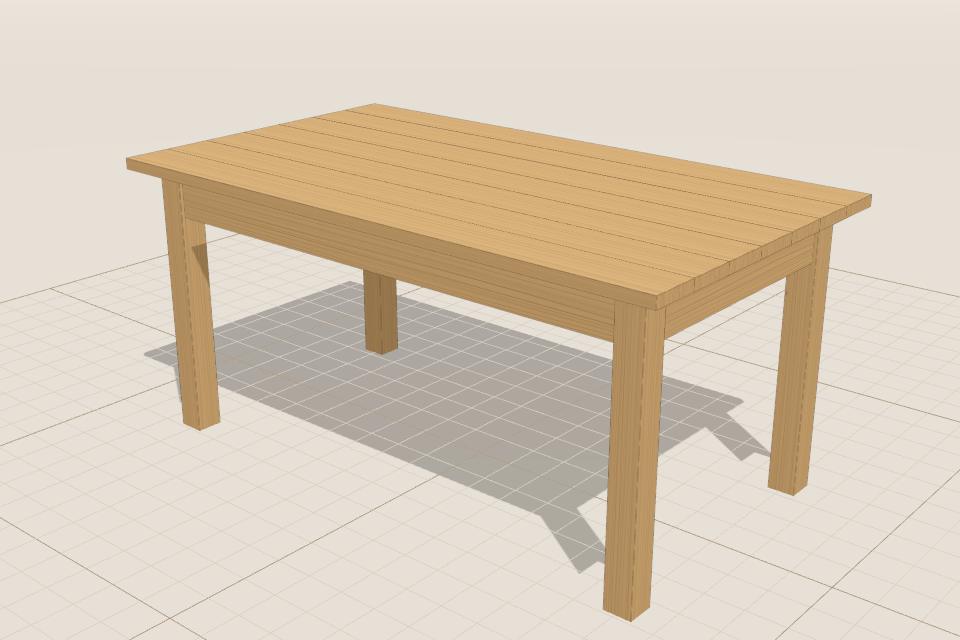
Four legs, aprons joining them, and a top of boards or a glued-up panel, with optional stretchers and a lower shelf. Joints can be screws, pocket holes, dowels or mortise and tenon.
Starts at 1.6 × 0.9 m, 750 mm high (60 × 36 in in US sizes). Change any size and everything else follows.
What Woodworker checks
- The top and aprons bending under a full table, and someone sitting on the edge
- Racking (side-to-side wobble) and the joints that resist it
- Legs and joints at the corners
- Wood movement: a solid top that’s fixed too tightly can crack (Advanced)
When something isn’t strong or stable enough, it says why and offers a fix you can apply in one click, like a bigger section, an extra brace or a different joint.
What you can change
- Length, width and height
- Boards or a panel top, and its overhang
- Leg and apron sizes
- Stretchers and a lower shelf
- Joint type and fixings for each joint (Advanced)
What you get
- A cut list of every part, with sizes, wood and how many
- A shopping list of timber lengths or sheets, screws, bolts and hardware, with rough costs
- Assembly steps in build order, with the joints and fixings for each step
- Dimensioned front, side and top drawings, and a printable workshop sheet (PDF)
Tips
- Fix a solid wood top with tabletop fasteners or screws in slots so it can move with the seasons.
- Deeper aprons make a much stiffer table than thicker legs.
Questions
- Can I make a coffee table or desk from it?
- Yes, Woodworker has coffee table and desk templates too, or change the height of this one.
- Is it really free?
- Yes. Woodworker is free, with no ads and no account. Designs are saved in your browser and never uploaded.
- How accurate are the checks?
- They use Eurocode 5 methods and common furniture test loads, as a guide for home-made projects, not certified engineering. Ask an engineer about anything large or anything people could be hurt by if it failed.